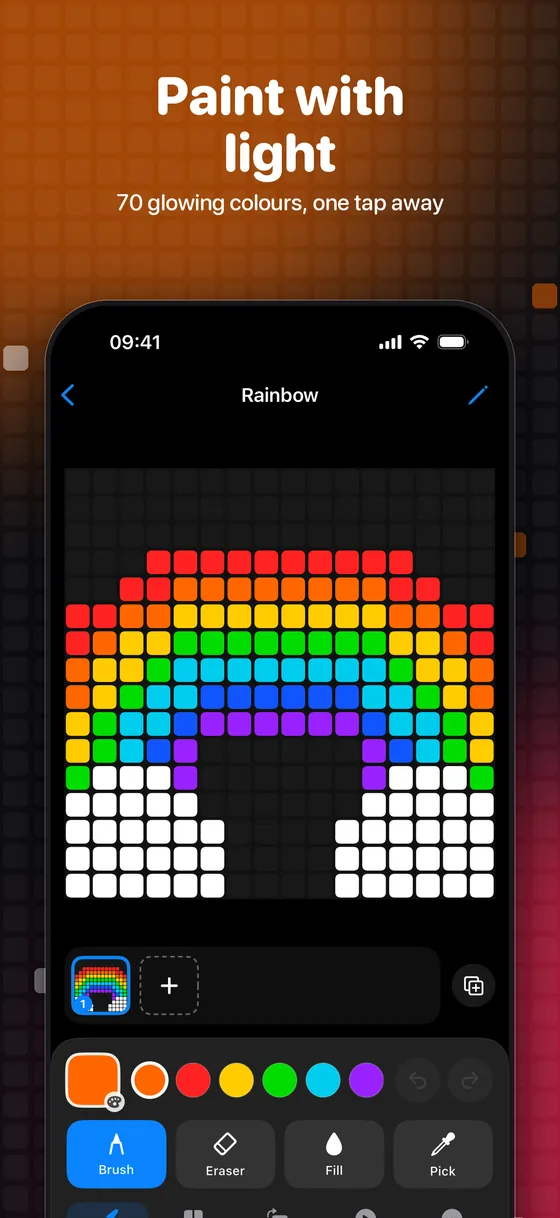
70 glowing colors
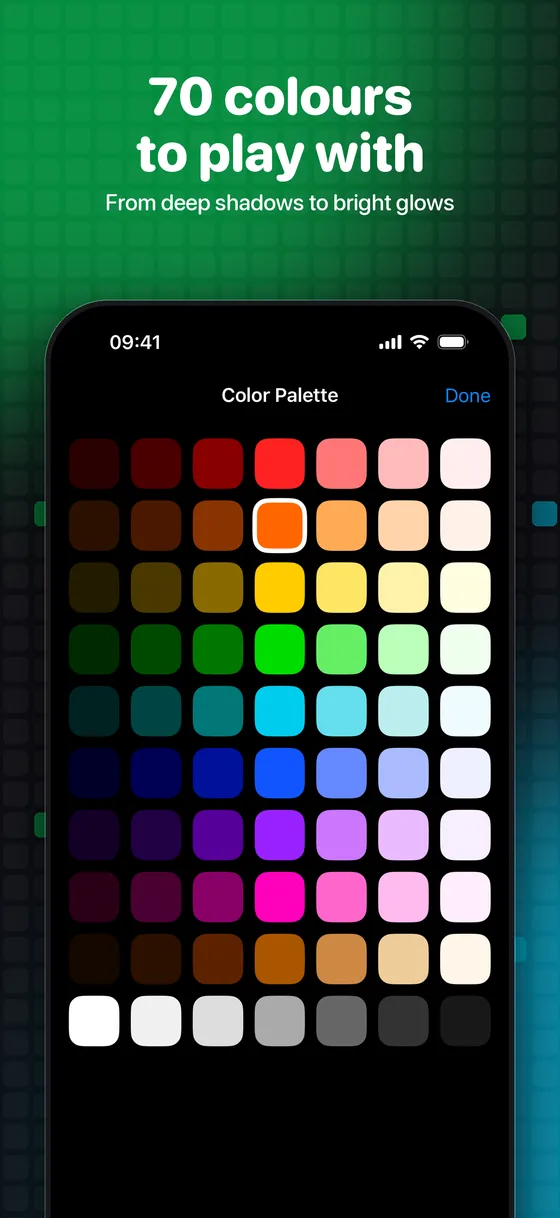
From deep shadows to bright neon. Your recent colors are always one tap away, and LightBoard remembers your last one.
 LightBoard

Free for iPhone and iPad
LightBoard is the free pixel art and GIF maker that turns your screen into a board of tiny lights. Paint with 70 colors, mirror your drawings, animate them frame by frame and share them with friends.
Your turn! Tap or drag to paint. That's LightBoard.
A calm dark canvas that lets the colors glow, with every tool in a drawer exactly where your thumb is.
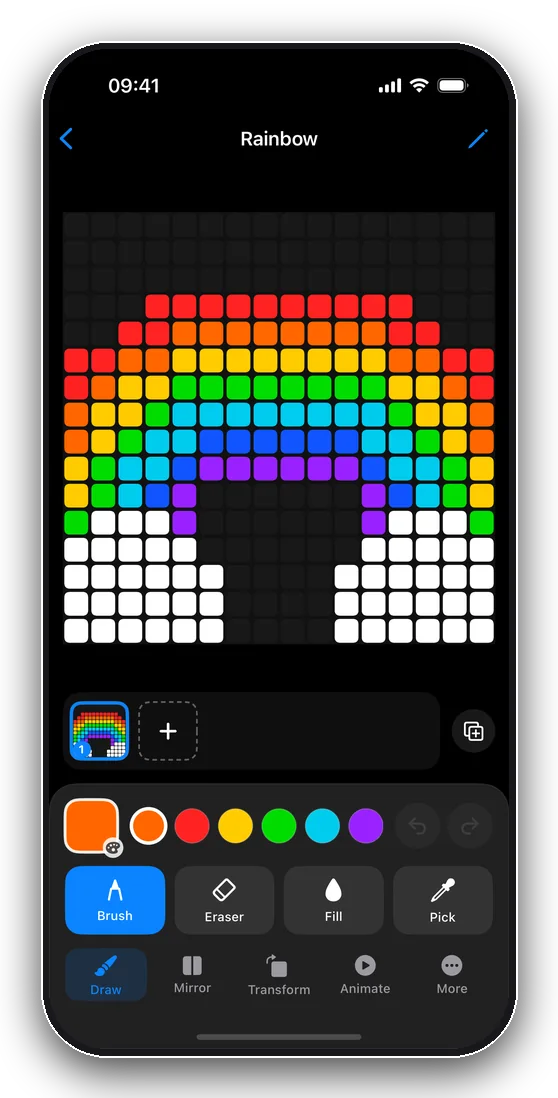
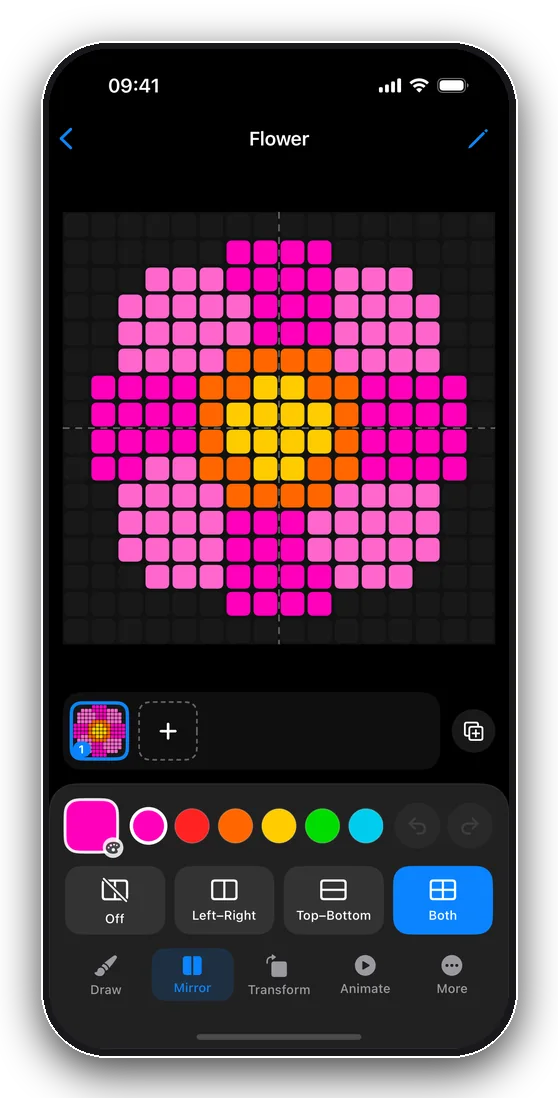
From deep shadows to bright neon. Your recent colors are always one tap away, and LightBoard remembers your last one.
Brush, eraser, fill bucket and eyedropper. Double-tap the eraser to wipe the board; undo and redo bring it all back.
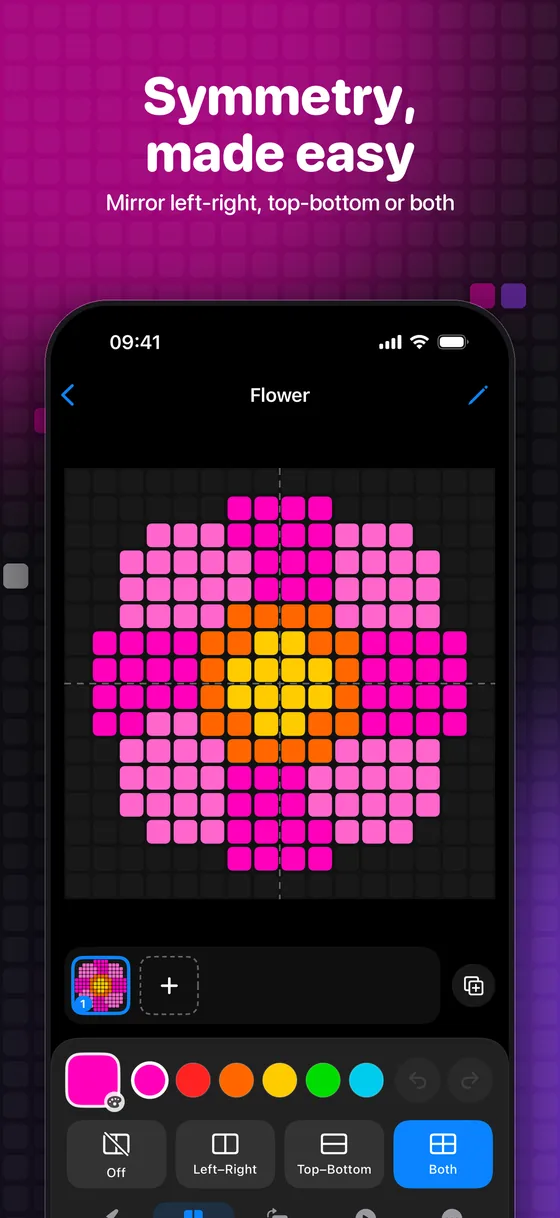
Draw once and see it mirrored left-right, top-bottom or both ways. Perfect for faces, flowers, snowflakes and space invaders.
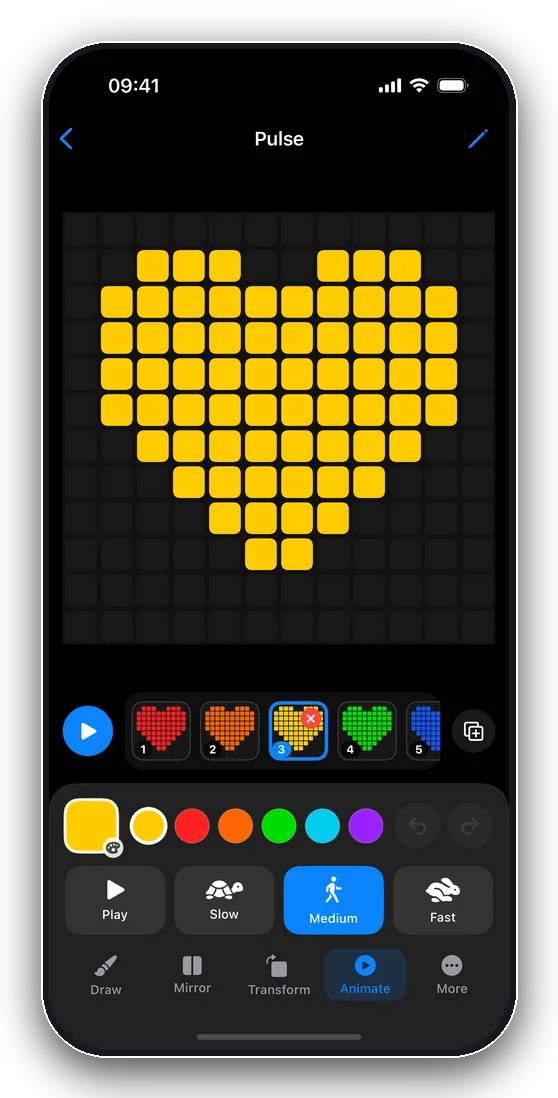
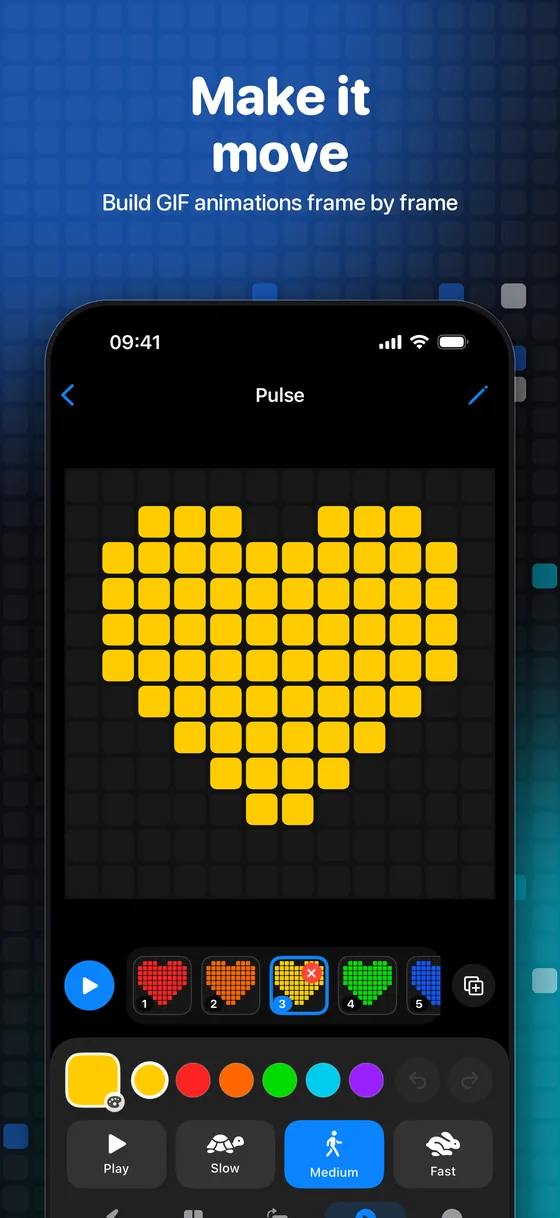
Add frames, drag them around a timeline, hit play. Slow, medium or fast. Your pixel art comes alive.
Pinch to zoom up to 4x and pan with two fingers for pixel-perfect detail on the biggest boards.
Spin, flip or nudge your whole picture, or every frame of an animation, in one tap.
Export crisp PNG images and looping GIFs, or save any frame as a transparent sticker to your Photos album.
Start on iPhone, finish on iPad. Your LightBoards follow you across your devices, privately.
A big, calm canvas on iPad, and Apple Pencil support, with a double-tap to switch to the eraser.
Choose a size from tiny 8 × 8 to a roomy 20 × 20 and open your blank board of lights.
Tap or drag to light up pixels. Mirror, fill, zoom and undo your way to something you love.
Add frames to make it move, then share it as a PNG, a GIF or a sticker with friends.
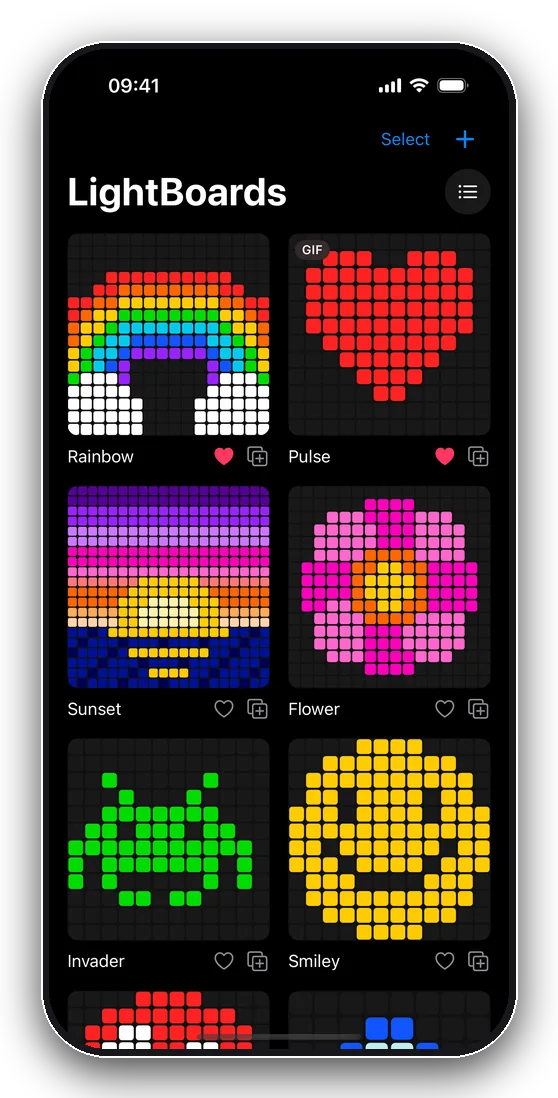
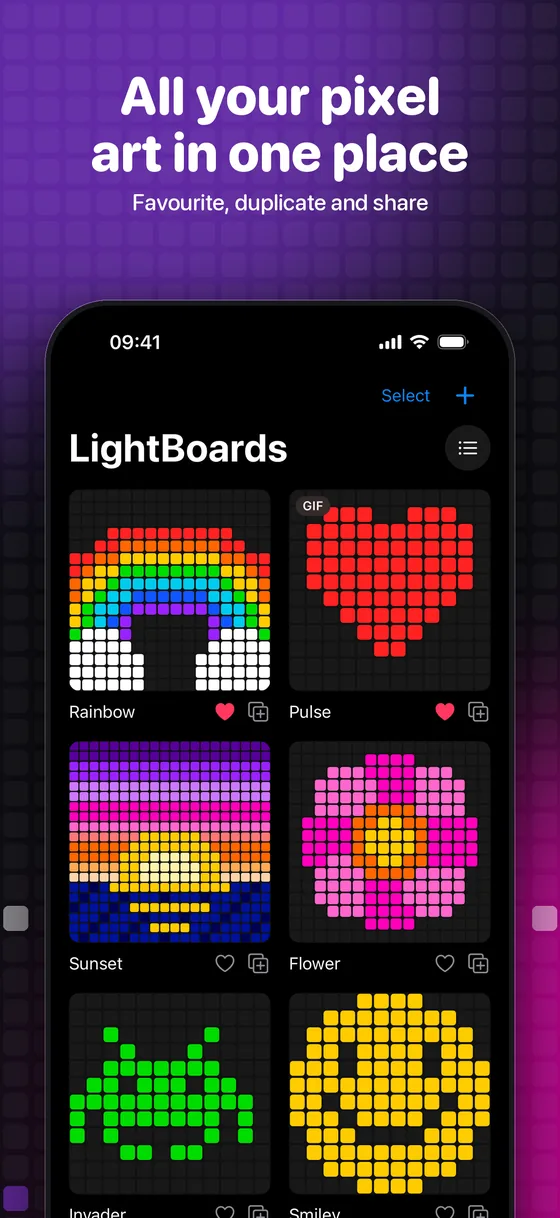
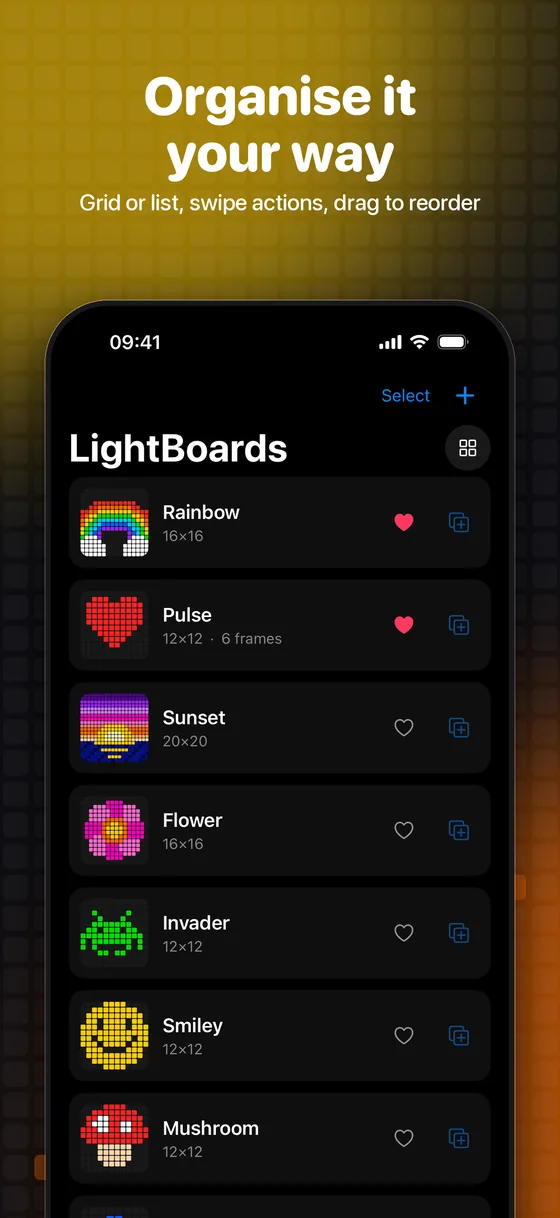
Rainbows, hearts, space invaders, sunsets. Every picture below was made on a LightBoard, and the heart even moves.
Yes. LightBoard is free to download and use on iPhone and iPad, with no ads and no account needed.
Yes. Add as many frames as you like to a board, arrange them on the frame timeline and play them back at slow, medium or fast speed. Then share the result as a looping GIF.
LightBoard has four board sizes: 8 × 8, 12 × 12, 16 × 16 and 20 × 20 pixels. Small boards are quick and chunky, big boards are great for detailed pictures.
Yes. LightBoard is built for both iPhone and iPad, and works with Apple Pencil. Double-tap a supported Pencil to switch to the eraser.
Yes. Save any frame as a transparent sticker to a LightBoard album in your Photos. From there you can use it as a sticker in Messages and other apps.
Yes. If you are signed in to iCloud, your LightBoards sync between your iPhone and iPad automatically. They are stored in your own private iCloud account, so only you can see them.
LightBoard collects no personal data. There are no ads, no accounts, no analytics and no tracking, so it is a good fit for young artists. See the privacy policy for details.
LightBoard runs on iPhone and iPad with iOS 17 or later.
Download LightBoard free for iPhone and iPad and make your first pixel art in a minute.